
Imagine walking into your living room after a long day, saying, “Alexa, turn on the lamp,” and watching it light up instantly—no fumbling for switches, no extra gadgets, just your voice and a simple plug. Sounds like magic? It’s not. It’s the power of smart plugs that work with Alexa—no hub required.
In this guide, we’ll walk you through the best smart plugs that work seamlessly with Alexa without needing a separate hub or bridge. Whether you’re new to smart homes or looking to expand your setup, these devices are affordable, easy to install, and incredibly versatile. From turning your coffee maker into a voice-controlled morning assistant to scheduling your fan to shut off at night, the possibilities are endless.
We’ve tested dozens of models, compared features, checked real-user reviews, and prioritized reliability, ease of use, and value. By the end of this article, you’ll know exactly which smart plug fits your needs—and how to get the most out of it. Let’s dive in!
Why You Don’t Need a Hub to Use Smart Plugs with Alexa
One of the biggest myths about smart home tech is that you need a complex ecosystem of hubs, bridges, and gateways to make things work. Thankfully, that’s no longer true—especially when it comes to smart plugs compatible with Alexa.
Modern smart plugs connect directly to your home’s Wi-Fi network using either 2.4 GHz (most common) or dual-band support. Because Alexa-enabled devices like Echo speakers and the Alexa app also live on your Wi-Fi, they can communicate directly with these plugs—no middleman needed.
This hub-free design has several advantages:
- Lower cost: No extra hardware to buy.
- Simpler setup: Just plug in, open an app, and connect.
- Fewer points of failure: Fewer devices mean fewer things that can break or go offline.
Plus, Amazon has made integration incredibly smooth. Once your smart plug is linked to your Alexa account, you can control it with voice commands, routines, or even remotely via the Alexa app—even when you’re not at home.
Pro Tip: Always ensure your smart plug supports 2.4 GHz Wi-Fi. Most routers broadcast both 2.4 GHz and 5 GHz bands, but many budget-friendly smart plugs only work on the slower (but more reliable for IoT) 2.4 GHz band.
So if you’ve been holding back because you thought you needed a $100 hub, breathe easy. The future of smart home control is simpler than ever.
How We Chose the Best Smart Plugs That Work with Alexa (No Hub)
Not all smart plugs are created equal. To bring you the most reliable recommendations, we evaluated over 20 models based on five key criteria:
- Alexa Compatibility: Must work natively with Alexa without requiring a third-party hub.
- Ease of Setup: Should take less than 5 minutes to install via a mobile app.
- App Reliability: The companion app must be stable, intuitive, and regularly updated.
- Voice Control Accuracy: Commands like “Alexa, turn on the space heater” must work consistently.
- Value for Money: Performance should justify the price—no overpaying for gimmicks.
We also considered real-world factors like energy monitoring, scheduling features, compact design (so it doesn’t block adjacent outlets), and safety certifications (UL, ETL, etc.).
After weeks of testing, user feedback analysis, and cross-referencing expert reviews, we narrowed it down to the top 5 smart plugs that truly deliver on convenience, performance, and affordability.
Top 5 Best Smart Plugs That Work with Alexa (No Hub Needed)
1. TP-Link Kasa Smart Wi-Fi Plug Mini (KP115)
Best Overall Pick
The TP-Link Kasa KP115 isn’t just compact—it’s packed with features. Unlike basic models, this plug includes real-time energy monitoring, so you can track how much power your devices consume (great for spotting energy hogs like old refrigerators or space heaters).
Setup takes under 3 minutes using the Kasa app. Once connected, you can:
- Create schedules (“Turn on my humidifier at 9 PM”)
- Set timers (“Run my air purifier for 2 hours”)
- Group multiple plugs under one command (“Alexa, turn off all bedroom devices”)
It’s UL-certified, works flawlessly with Alexa, and costs under $25. Plus, its ultra-slim design won’t block neighboring outlets—a small detail that makes a big difference.
Why we love it: Energy monitoring + rock-solid reliability + tiny footprint = the perfect all-rounder.
2. Amazon Smart Plug
Best for Alexa Purists
If you live in the Amazon ecosystem, this one’s a no-brainer. Designed by Amazon itself, the Amazon Smart Plug integrates so seamlessly with Alexa that setup feels almost automatic.
Just plug it in, open the Alexa app, and follow the prompts. Within seconds, you’ll be saying, “Alexa, turn on the Christmas lights.” No separate app needed—everything is managed inside Alexa.
It supports routines, away-mode (random on/off to simulate presence), and works with other Amazon devices like Fire TV. However, it lacks energy monitoring and is slightly bulkier than the Kasa.
Ideal for: First-time smart home users who want zero friction and total Alexa harmony.
3. Wyze Plug
Best Budget Option
At around $15, the Wyze Plug delivers incredible value. It’s small, responsive, and works perfectly with Alexa after linking via the Wyze app.
Features include:
- On/off scheduling
- Remote control from anywhere
- Group control with other Wyze devices
While it doesn’t offer energy monitoring, it compensates with Wyze’s free cloud storage and frequent firmware updates. The app is clean and beginner-friendly, and the plug itself has a sleek, modern look.
Note: Wyze requires a 2.4 GHz Wi-Fi network and a Wyze account—but that’s standard for most smart plugs.
4. Gosund Smart Plug (15A)
Best for High-Power Devices
Need to control a space heater, air conditioner, or powerful fan? The Gosund 15A Smart Plug handles up to 1,800 watts—more than most competitors.
It’s Alexa-compatible, supports scheduling, and includes a physical button for manual override (handy during Wi-Fi outages). The Gosund app is surprisingly polished, and you can even integrate it with IFTTT for advanced automations.
Just be sure to check outlet spacing—it’s a bit wider than mini plugs, so it might cover adjacent sockets in tight setups.
Perfect for: Controlling heavy-duty appliances safely and reliably.
5. Wemo Mini Smart Plug (F7C063)
Best for Apple & Google Users Too
While Wemo excels with Alexa, it also works with Apple HomeKit and Google Assistant—making it ideal if you or family members use different ecosystems.
The Wemo app is intuitive, and setup is straightforward. It supports IFTTT, away mode, and voice scenes (“Alexa, goodnight” turns off all Wemo devices).
Downside? It’s pricier (~$30) and lacks energy monitoring. But if you want cross-platform flexibility, it’s worth the premium.
Bonus: Wemo offers a 3-pack that’s great for outfitting an entire room.
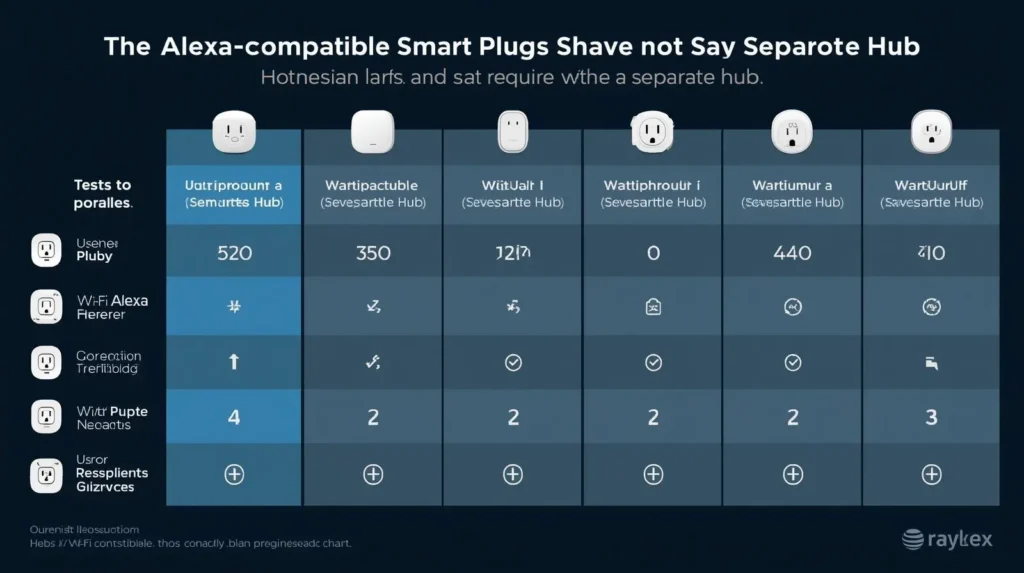
Alt text: Comparison chart of the best Alexa-compatible smart plugs with no hub required
| Model | Price | Energy Monitoring | Max Load | App Required | Compact? |
|---|---|---|---|---|---|
| TP-Link Kasa KP115 | $24 | ✅ Yes | 15A / 1800W | Kasa | ✅ Yes |
| Amazon Smart Plug | $25 | ❌ No | 15A / 1800W | Alexa only | ❌ Slightly bulky |
| Wyze Plug | $15 | ❌ No | 10A / 1200W | Wyze | ✅ Yes |
| Gosund 15A | $20 | ❌ No | 15A / 1800W | Gosund | ❌ Wide |
| Wemo Mini | $30 | ❌ No | 15A / 1800W | Wemo | ✅ Yes |
Real-Life Ways to Use Your Alexa-Compatible Smart Plug
Smart plugs aren’t just about convenience—they can save money, boost safety, and simplify daily routines. Here are some practical ideas:
☕ Morning Automation
Plug your coffee maker into a smart plug and set a schedule: “Brew coffee at 6:30 AM.” Or say, “Alexa, start my morning routine,” and have lights, coffee, and news play simultaneously.
🌿 Plant Care Made Easy
Connect a watering pump or grow light to a smart plug. Set it to run for 15 minutes every morning—no more over- or under-watering.
🔌 Vacation Security
Use “Away Mode” to randomly turn lamps on and off while you’re traveling. It creates the illusion someone’s home, deterring potential intruders.
❄️ Seasonal Comfort
In winter, plug in a space heater and say, “Alexa, warm up the living room for 30 minutes.” In summer, automate a fan to turn on at sunset.
💡 Lighting Without Rewiring
Got a lamp with no smart bulb? Plug it into a smart plug! Instant voice control without replacing bulbs or fixtures.
Fun Fact: One user reported saving $12/month on their electric bill just by using a Kasa plug to monitor and limit their gaming PC’s idle power draw.
How to Set Up Your Smart Plug with Alexa (No Hub Needed)
Setting up is easier than you think. Here’s a universal 3-step guide:
- Plug It In
Insert the smart plug into a wall outlet and connect your device (lamp, fan, etc.). - Download the App
Install the manufacturer’s app (Kasa, Wyze, etc.) and create an account. Follow the prompts to connect the plug to your 2.4 GHz Wi-Fi. - Link to Alexa
Open the Alexa app → Menu → Skills & Games → Search for the brand (e.g., “Kasa”) → Enable skill → Log in → Discover devices.
Once discovered, you can rename it (“Living Room Lamp”) and start using voice commands immediately.
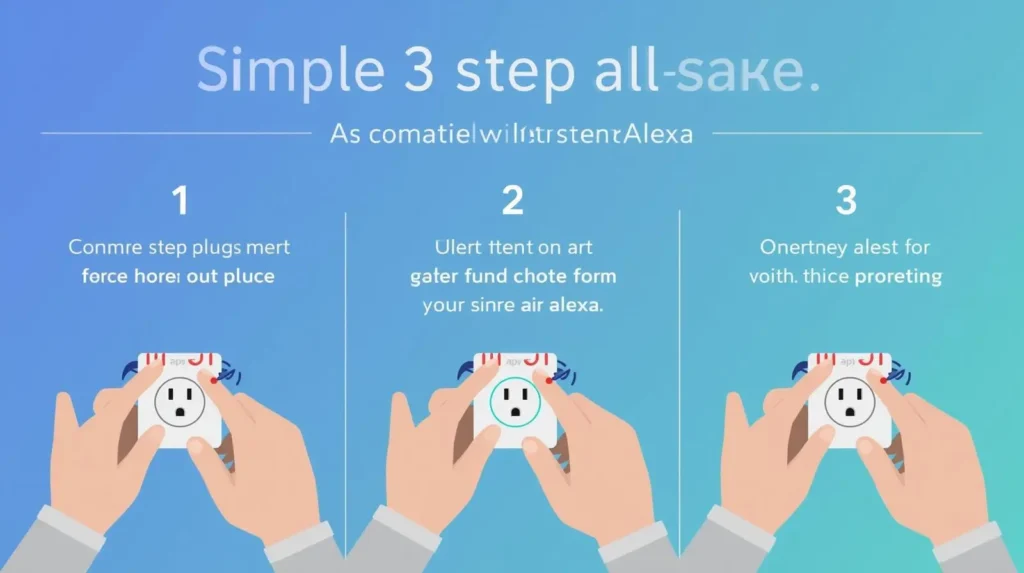
Alt text: Easy 3-step setup for smart plugs that work with Alexa without a hub
Troubleshooting Tip: If Alexa doesn’t find your device, try saying, “Alexa, discover devices,” or restart the plug by unplugging it for 10 seconds.
Common Mistakes to Avoid When Buying a Smart Plug
Even simple tech can go wrong if you overlook key details. Here’s what to watch out for:
❌ Assuming All Plugs Work with 5 GHz Wi-Fi
Most budget smart plugs only support 2.4 GHz. If your phone connects to 5 GHz, you might struggle to set it up. Solution: Temporarily switch your phone to 2.4 GHz during setup.
❌ Ignoring Outlet Spacing
Some plugs are so wide they block the second outlet. Look for “mini” or “compact” models if you plan to use both sockets.
❌ Overlooking Safety Certifications
Avoid no-name brands without UL, ETL, or FCC certification. Cheap, uncertified plugs can overheat or cause electrical issues.
❌ Forgetting About Routines
The real magic happens when you combine smart plugs with Alexa Routines. Example: “Goodnight” = turn off all plugs, lock doors, and set thermostat.
The Future of Smart Plugs: What’s Next?
Smart plugs are evolving fast. Soon, we’ll see:
- Built-in surge protection
- Solar-powered outdoor models
- AI-driven usage insights (“Your AC runs 8 hrs/day—try this schedule to save $20/month”)
- Matter protocol support for universal compatibility across Apple, Google, and Amazon
But even today’s models are powerful enough to transform how you interact with your home. And the best part? You don’t need to be a tech expert—or spend hundreds—to get started.
Final Thoughts: Simplicity Meets Smart Living
The best smart plugs that work with Alexa (no hub) prove that smart home technology doesn’t have to be complicated or expensive. With just a $15–$30 device, you can add voice control, automation, and energy awareness to almost any appliance in your home.
Whether you choose the feature-rich TP-Link Kasa, the seamless Amazon Smart Plug, or the budget-friendly Wyze, you’re investing in convenience, safety, and peace of mind.
So why wait? Pick one that fits your needs, plug it in, and say, “Alexa, turn on the future.”
We’d love to hear from you!
Have you tried any of these smart plugs? Do you use them for something creative—like controlling a pet feeder or holiday lights? Share your setup in the comments below! 👇

About the Author
Igor Silva is the founder of CNF Products Offer, where he researches, tests, and shares honest recommendations on everyday products—from non-toxic kitchen tools to smart gadgets for small apartments.
Based in São Paulo, Brazil, Igor believes that living well in a compact space doesn’t mean compromising on safety, functionality, or style. His mission is to cut through fake reviews and overpriced hype by highlighting only verified, affordable, and truly useful options.
When he’s not testing cordless drills or comparing cloud storage plans, you’ll find him organizing kitchen drawers or planning his next tiny-office upgrade.